GPU-native CFD for compressible flow
Wake handles internal and external flows where compressibility matters, from subsonic through supersonic regimes, with GPU execution and AI-driven automation designed into one product architecture from the outset.
Engineers can review a case on the desktop and run the same input on multi-GPU and HPC systems. Python workflows and AI agents use the same project rather than requiring another input system.
Aerospace first
Compressible flow for aerospace and defence
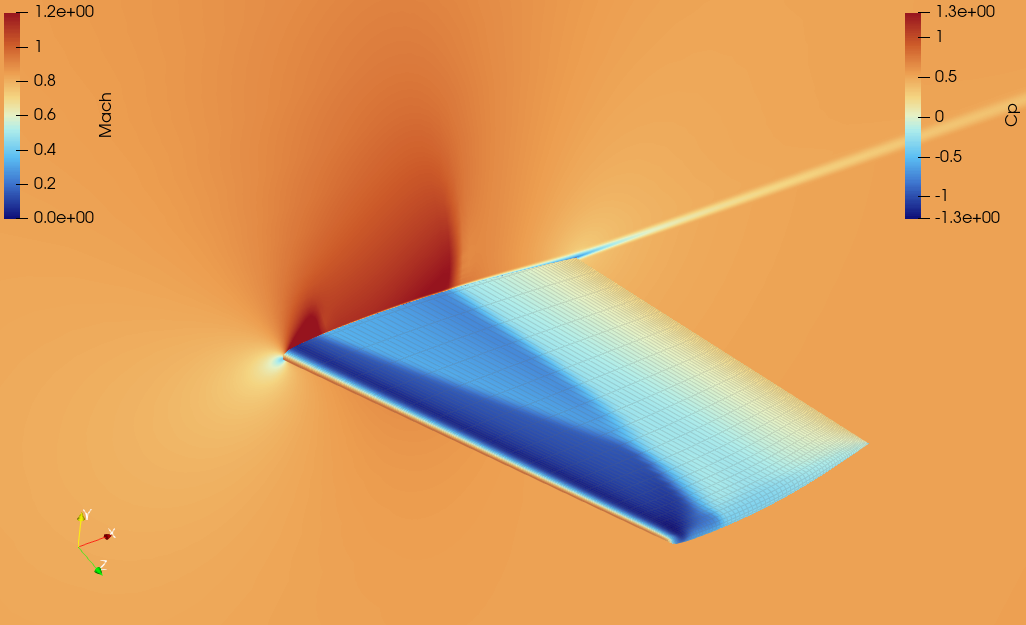
Calculate internal and external flows where compressibility matters, including aircraft, missiles and high-speed flight vehicles, and evaluate flow fields plus surface and volume results across operating conditions.
GPU-native
GPU from end to end
Fluxes, gradients, boundary conditions, linear systems and the main solution loop execute on the GPU.
AI-ready
A project model agents can use
A shared project model and MCP interface let AI agents assist with case authoring and repeated runs.
Repeated simulation, made simpler and more consistent
As geometries and flow conditions change, Wake keeps case setup, execution, comparison and data collection within a consistent workflow.
Compressible flow simulation
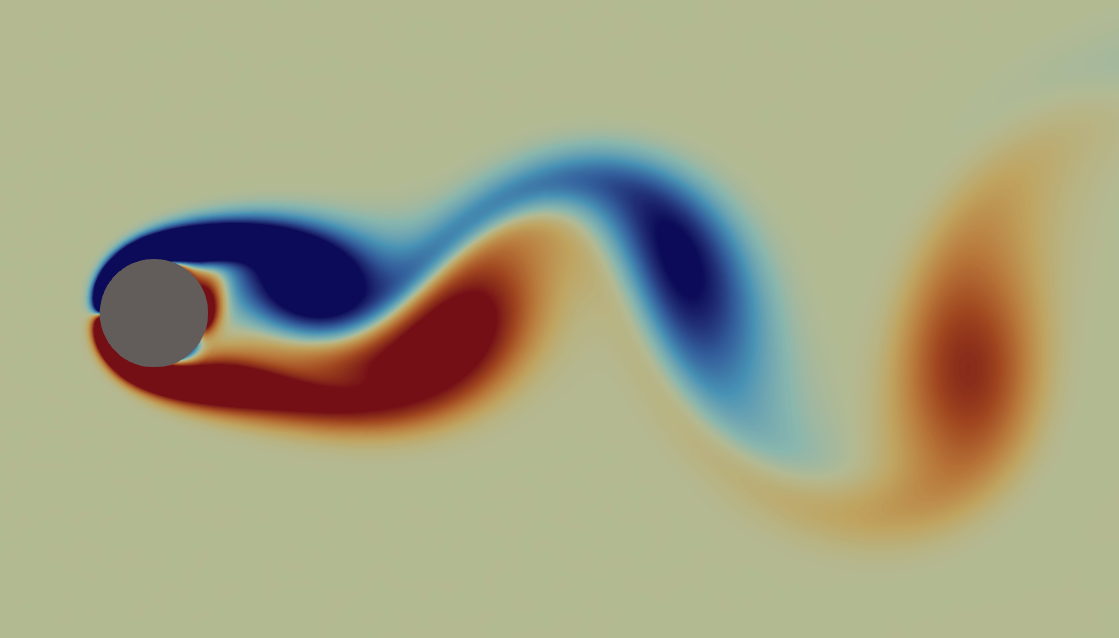
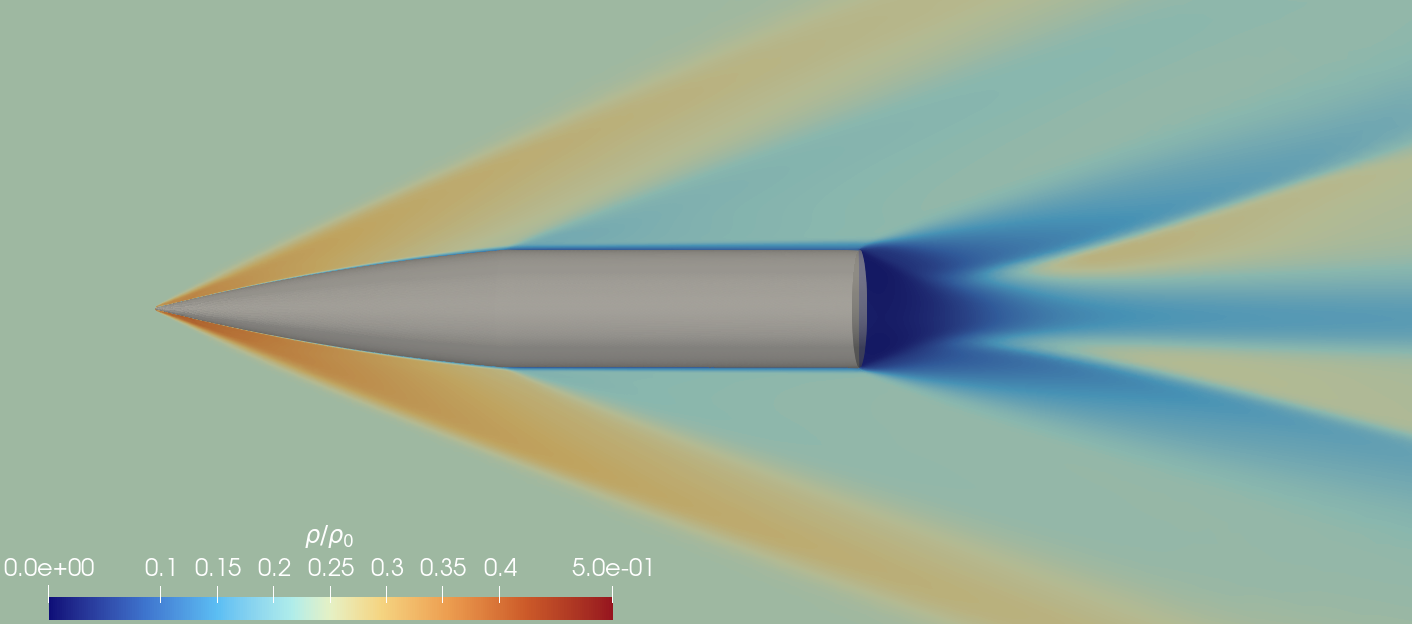
Calculate internal and external flows in subsonic, transonic and supersonic regimes, with force, moment, surface and volume results.
Design-condition comparison
Run repeated Mach-number, angle-of-attack, inlet and outlet conditions on a common basis to compare flow characteristics and operating ranges.
Simulation data production
Set up parameter sweeps and batch runs, then collect coefficients, probes, surface fields and volume results in defined formats.
Extended analysis
Use the same case format and execution system for low-Mach flow, high-order unsteady analysis, heat transfer and rotating domains.
A GPU-native solver core
The main computational path runs in CUDA; this is not a CPU solver with only selected kernels offloaded to a GPU.
Fluxes, gradients, boundary conditions, Jacobians and the main solution loop execute on the GPU. Centred on density-based Navier–Stokes for compressible flow, Wake supports Euler, laminar and SA/SST RANS analysis. On compatible Linux systems, GPU-aware MPI extends execution across multiple GPUs.
Alongside density-based analysis, the common solver core and case model are being extended across pressure-based low-Mach flow, high-order unsteady Flux Reconstruction, heat transfer and rotating domains.
Connect AI agents directly to the analysis workflow
Wake's AI integration goes beyond generating input text: it connects agents to the process of building, validating and running an analysis project.
An MCP-based AI agent can reference the Wake project model, input schema and packaged examples. Engineers provide the analysis objective and constraints to preserve; the agent assists with repeated case authoring and comparison conditions. The result remains the same project that can be reviewed in Wake Desktop or the CLI.
- 01 Build the project
Start from an existing case or example and configure meshes, physical models, boundaries and numerics.
- 02 Change and validate
Create derived cases and sweeps, validate them against the input schema and retain the change history.
- 03 Run and inspect status
Save the case, start the solver, and check progress and key convergence information.
Engineers retain final review of boundary conditions, physical models, reference values and the physical validity of results. During early access, the connection is configured for the selected AI client, execution permissions and deployment environment.
One case, the execution path you need
The GUI, CLI, Python and agent interfaces share a common JSONC project model, so a reviewed case can move directly into automation and HPC execution.
Wake Desktop
Work with geometry, mesh regions and analysis conditions in one GUI, with a built-in AI agent for authoring, revising and reviewing cases.
CLI · MPI · Slurm
Run the same case reproducibly on a local GPU, multiple GPUs or an HPC batch environment.
Python SDK
Automate repeated Mach-number, angle-of-attack and numerical studies and connect internal data pipelines.
gRPC runtime
Stream solver state and control CFL, pause and resume, result dumps and safe termination from an external client.
Detailed supported combinations, configuration references and validation results are maintained on the Wake CFD product site and in the public documentation.